A smile starts it.
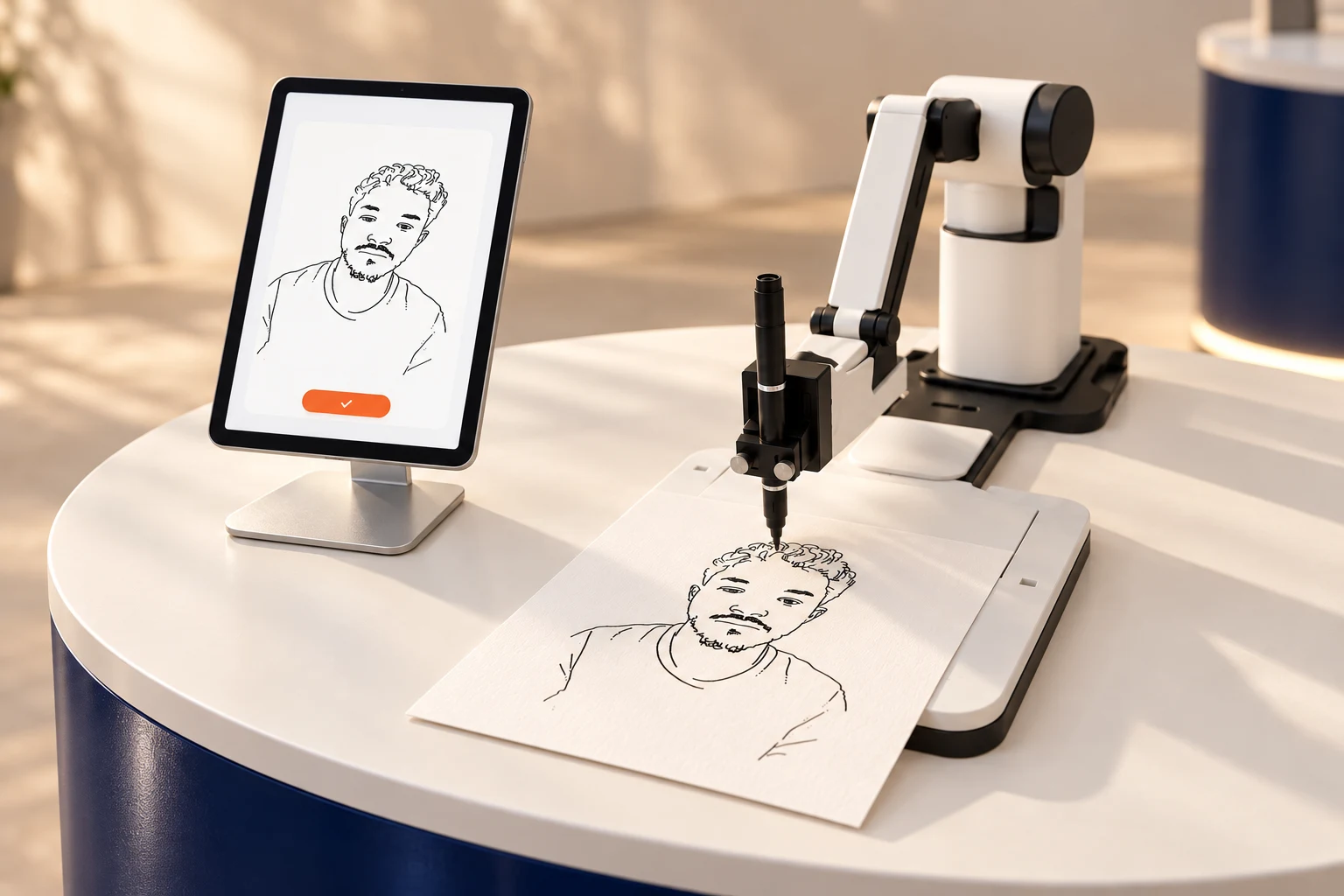
Your guest takes a photo on the tablet, checks their preview, and gives it the go-ahead.
 Let’s talk ↗
A photo becomes a portrait. A robot becomes the attraction. Give your guests something worth watching — and something real to take home.
Portrait software for Rotrics DexArm
Your robot. A whole new possibility.
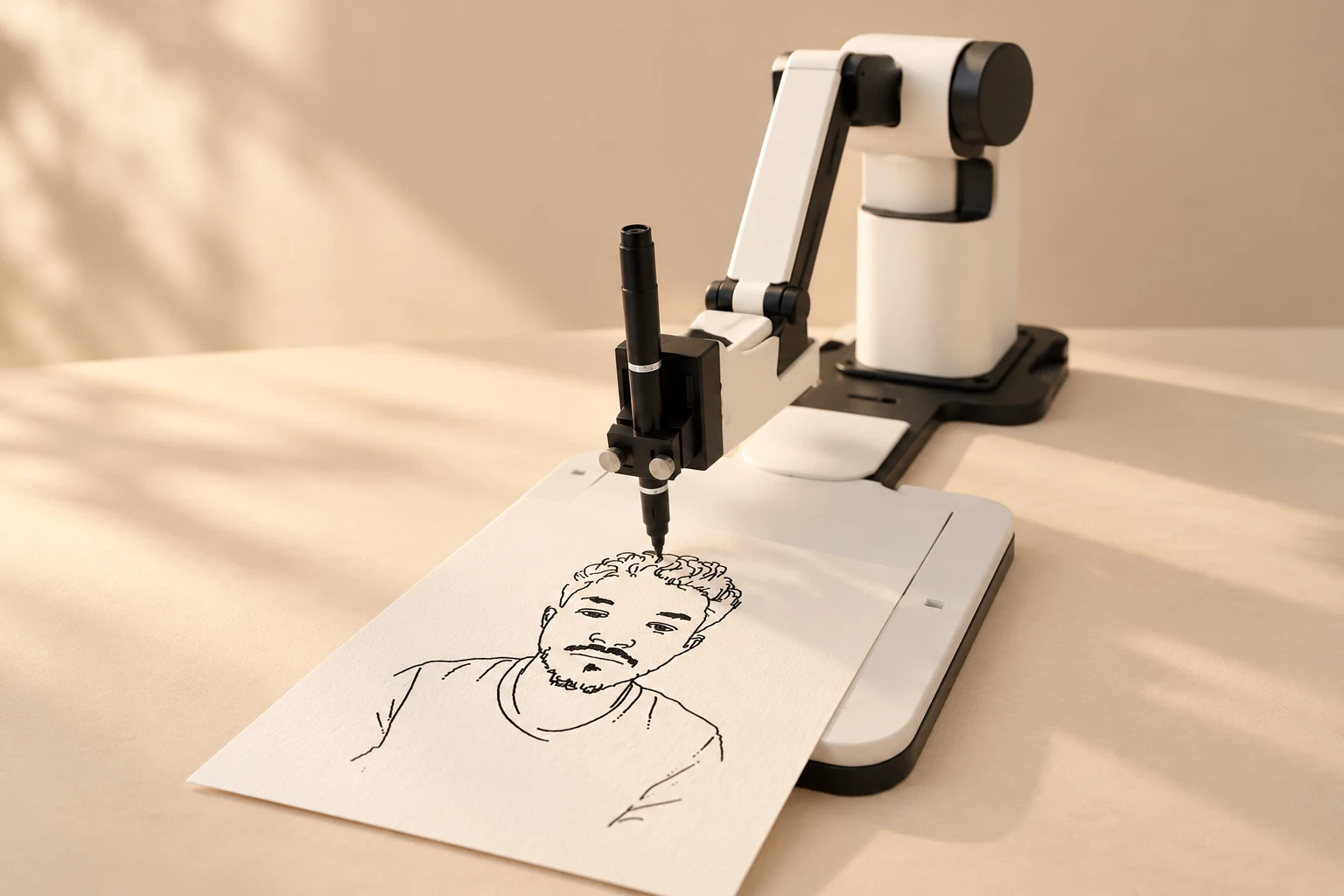
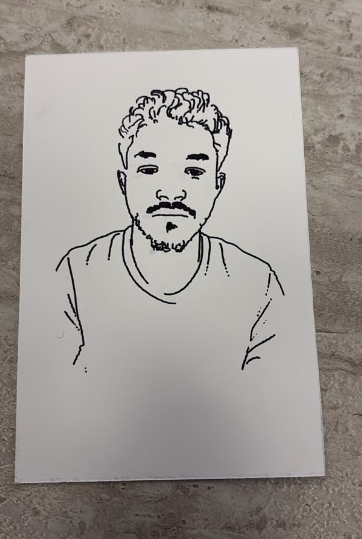 Yes, a robot drew this.
 The best event experiences don’t end at the exit.
This one goes home with your guests.
Your guest takes a photo on the tablet, checks their preview, and gives it the go-ahead.
The pen touches paper. The robot follows every line. A familiar face appears, stroke by stroke.
A real ink portrait, made right in front of them. Personal, tangible, and a little unexpected.
It’s the making that makes it memorable.
Galas, launches, weddings and dinners.
The station becomes the place everyone talks about.
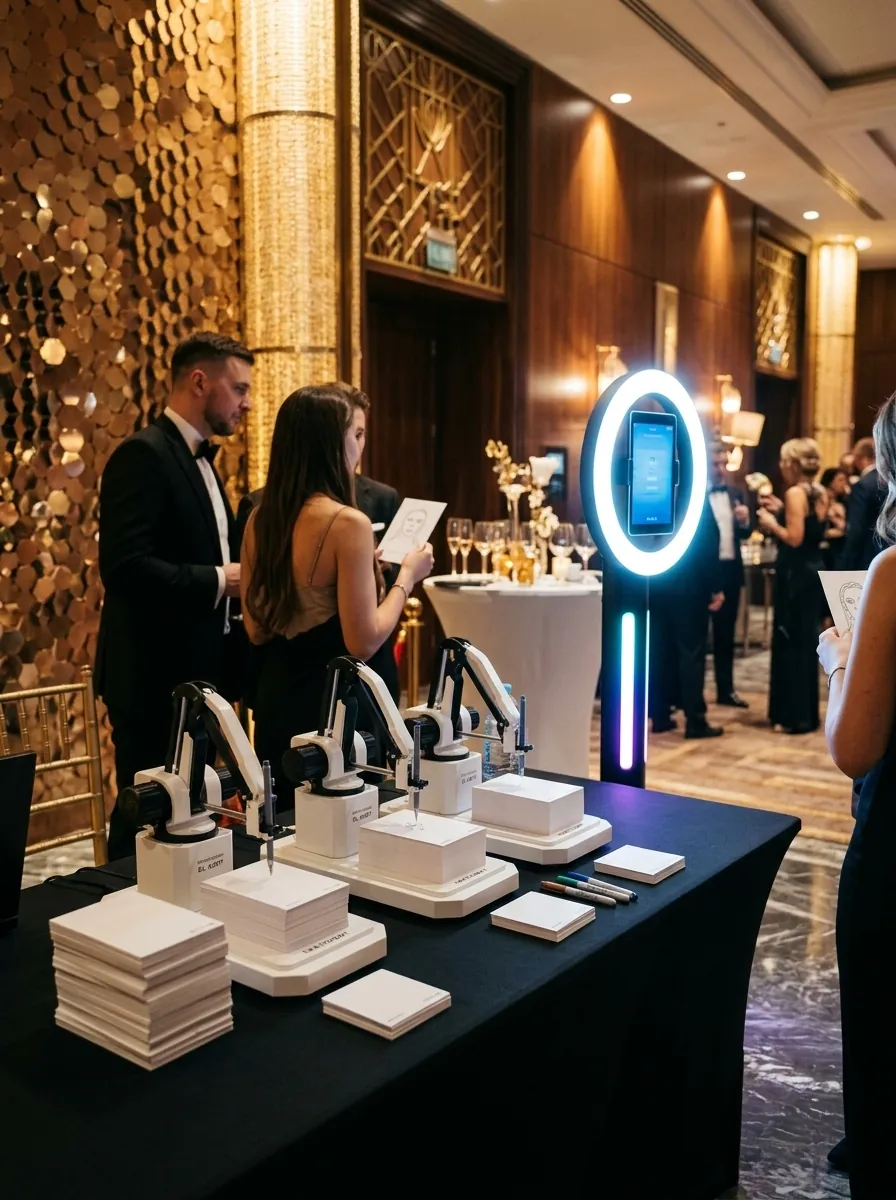
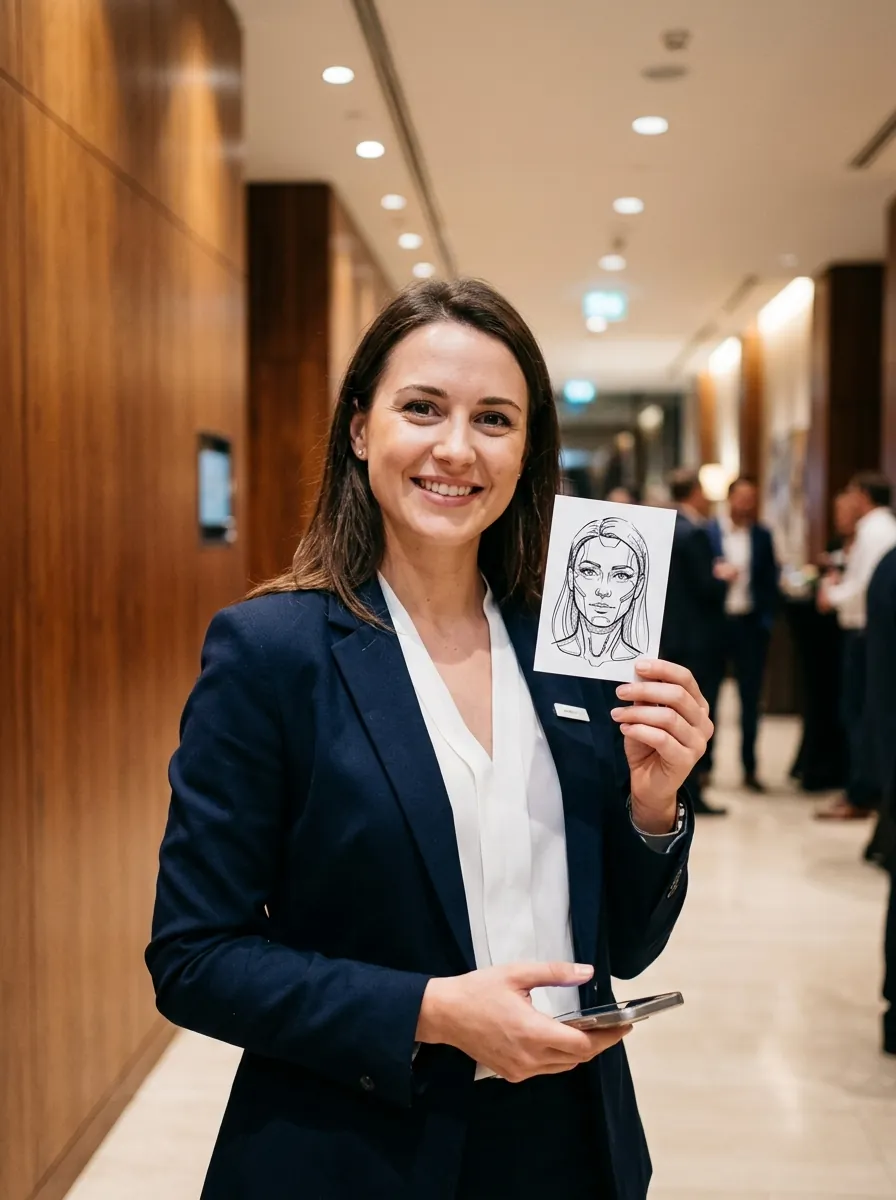
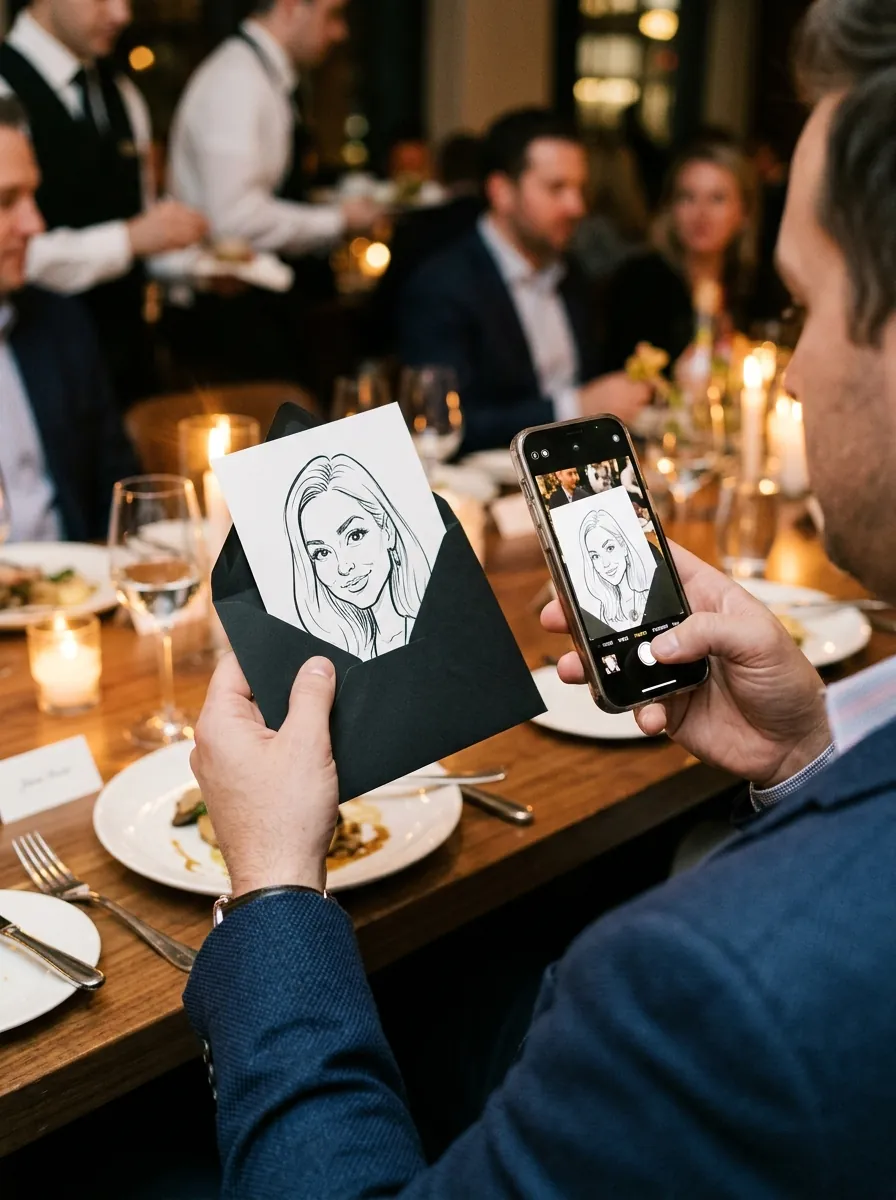
“Is that really me?”
The question you will hear all night.Event scenes are illustrative.
Sketchselfi connects the camera, the portrait,
and the pen — so you can focus on the event.
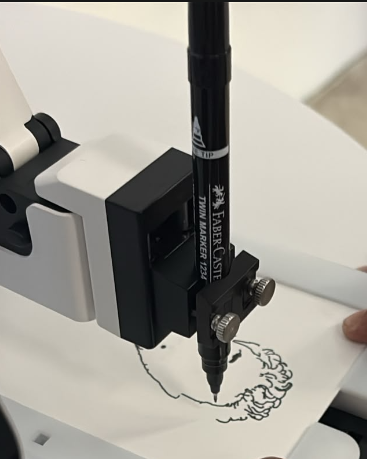 THE DETAILS MAKE THE DIFFERENCE.
The default portrait engine runs offline on your PC. Connect the tablet through local Wi-Fi, without relying on the venue’s internet.
Choose a drawing time limit and speed preset. Adjust detail to your pen, your paper, and the pace of the event.
Capture, preview, approve. A simple tablet experience for guests, with automatic arm parking when the drawing is complete.
Add independent PC-and-robot stations for larger events. Each tablet stays connected to its own station.
No glossy printout. No disappearing digital filter. Just expressive black lines, real ink, and a sheet of paper that suddenly means something.
Let’s talk about your setup ↗Match the portrait to the occasion.
Elegant for a gala, playful for a launch, close for a wedding.
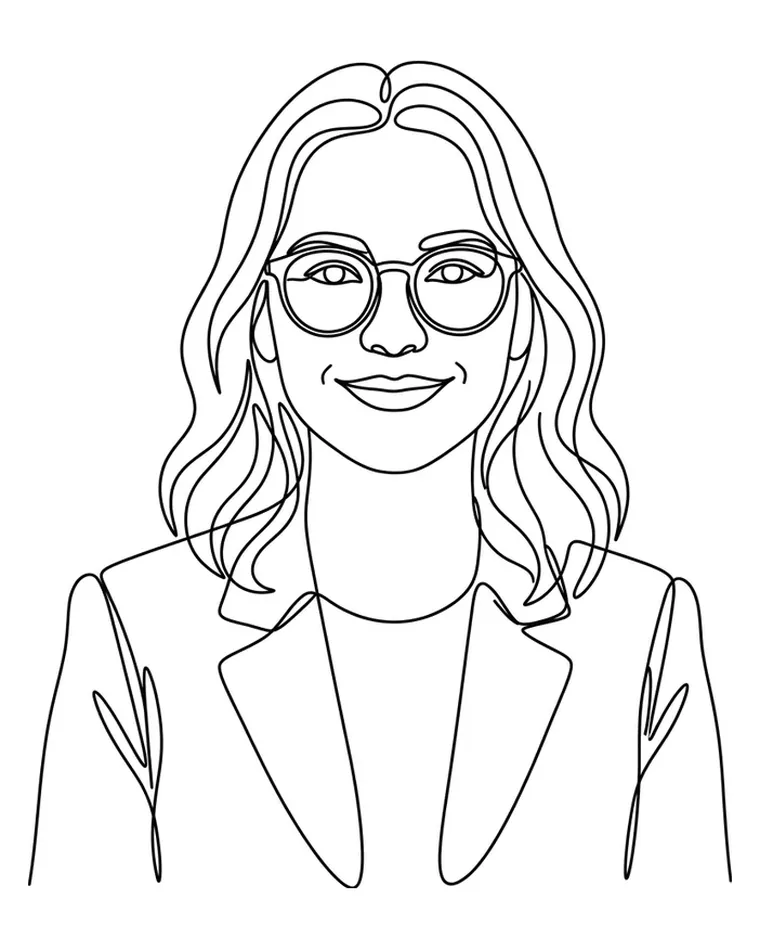
Clean, confident lines. The classic keepsake.
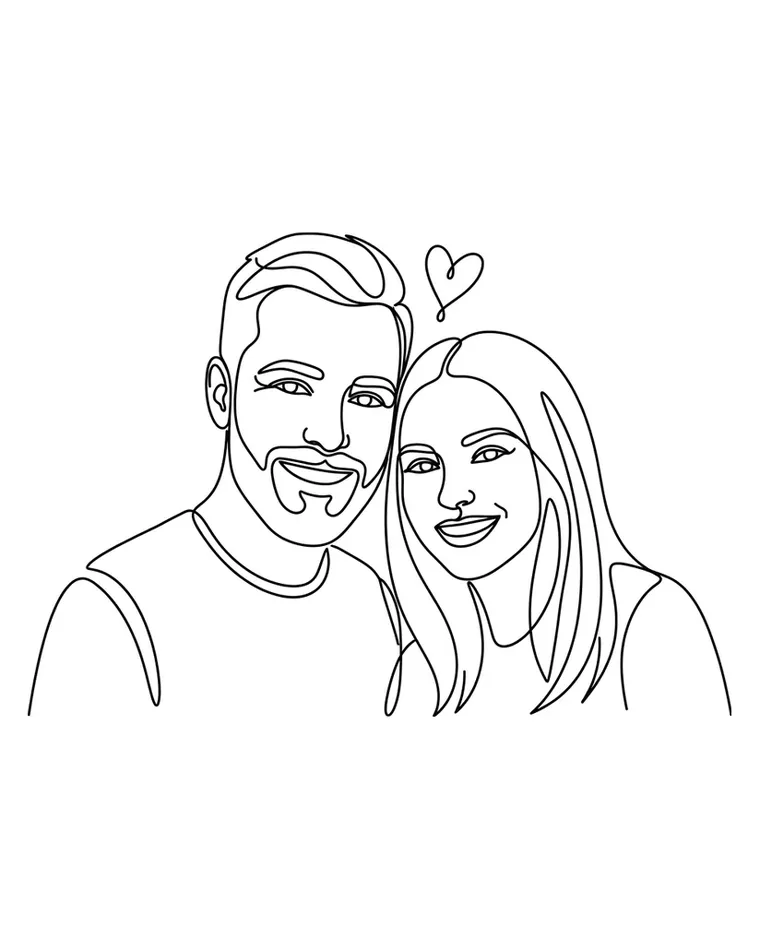
Two faces, one sheet. Made for weddings and anniversaries.

Partners, teams and new deals, signed in ink.

A playful body, props or brand details around the face.
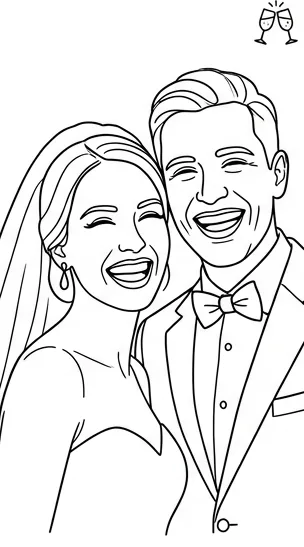
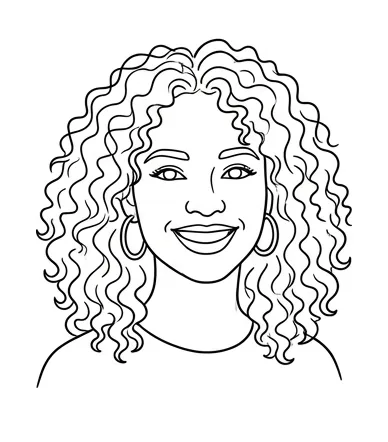


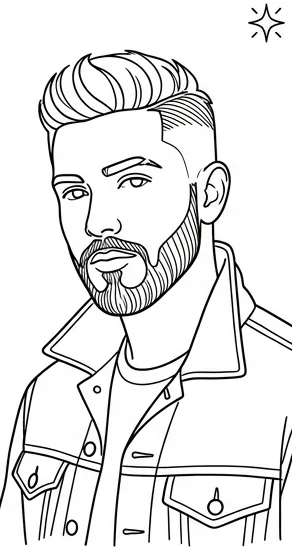


Styles shown are examples. Available styles depend on the portrait engine and settings you choose.
An iPad, a drawing robot, and room for the magic.
The computer works quietly behind the scenes.
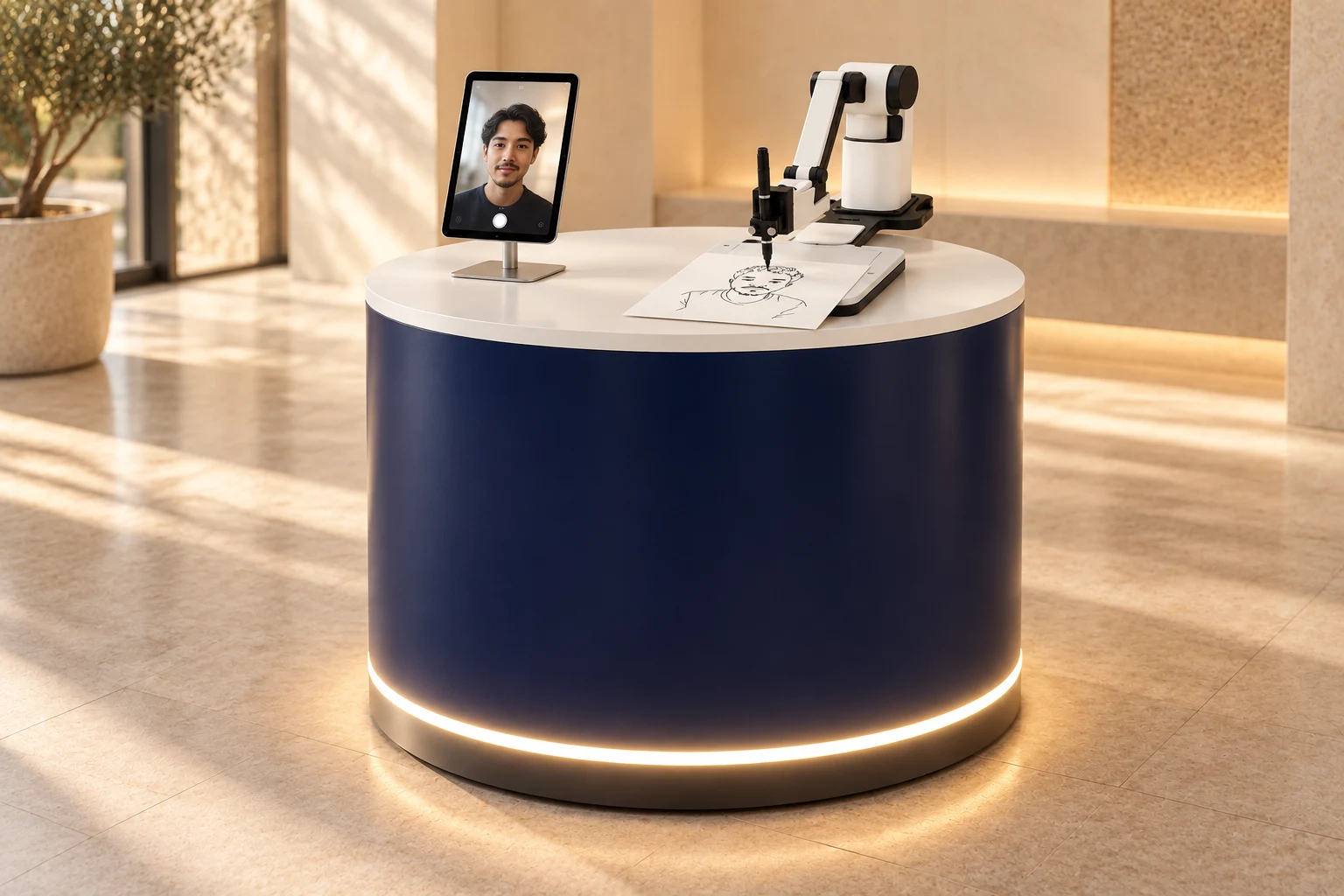
A tablet on a stand handles the photo and portrait preview. Your guest approves the drawing from the screen.
The DexArm sits beside the tablet, drawing the portrait in real ink on paper. Keep its drawing area clear so guests can watch.
In this proposed layout, the Windows laptop or PC is concealed inside the counter, with ventilation and cables routed away from the guest-facing surface.
Suggested presentation layout. Counter, tablet stand, and equipment are sourced separately.
Give your DexArm a new role in your event business. Own the software, keep creating.
Rotrics DexArm + pen holder
Windows 10 or 11 PC
iPad or compatible tablet
Paper, pen, and a local Wi-Fi connection
One payment. One station. No subscription.
Software only · Optional cloud engine usage costs are separate.
Sketchselfi is software for the Rotrics DexArm. You’ll need the robot with its pen holder, a Windows PC, a tablet, paper, and a pen. Hardware isn’t included in the license.
The default portrait engine runs offline. Your tablet and PC communicate over local Wi-Fi or a PC hotspot. The optional cloud portrait engine requires internet and has separate usage costs.
You control the maximum drawing time, with a default setting of four minutes. Actual time depends on portrait detail, the pen, and your speed settings. The real demo above shows the drawing process.
Yes. Set up separate stations, each with its own PC, robot, and license. Each tablet pairs with its own station.
With the offline engine, photos and drawings stay on your PC. You manage retention and deletion. If you enable the optional cloud engine, the photo is sent to its provider for processing.
Your license includes remote help with your first setup. You can also use the simulator to explore the guest flow before connecting a robot.